DESIGNING WITH SYSTEMS
Compose
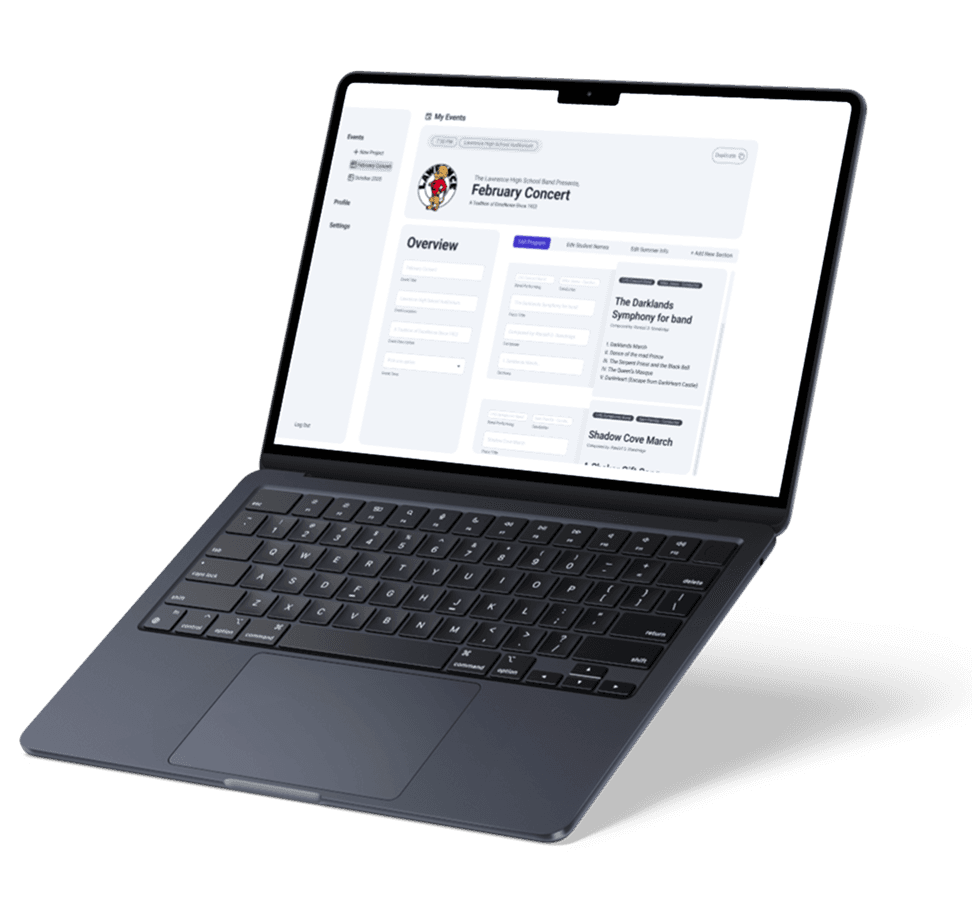
A tool designed to simplify how performance programs are created, organized, and edited. It focuses on a niche problem, having to structure sections of performances into a system that feels intuitive instead of overwhelming.
FIGMA
UI UX
3 WEEKS
Overview
Compose is a tool designed to simplify how complex performance programs are built, organized, and edited. It transforms deeply nested information, like sections, pieces, and performer groups, into a structured, intuitive interface that reduces cognitive load. The project focuses on making complex systems feel clear, flexible, and easy to manage without sacrificing control.
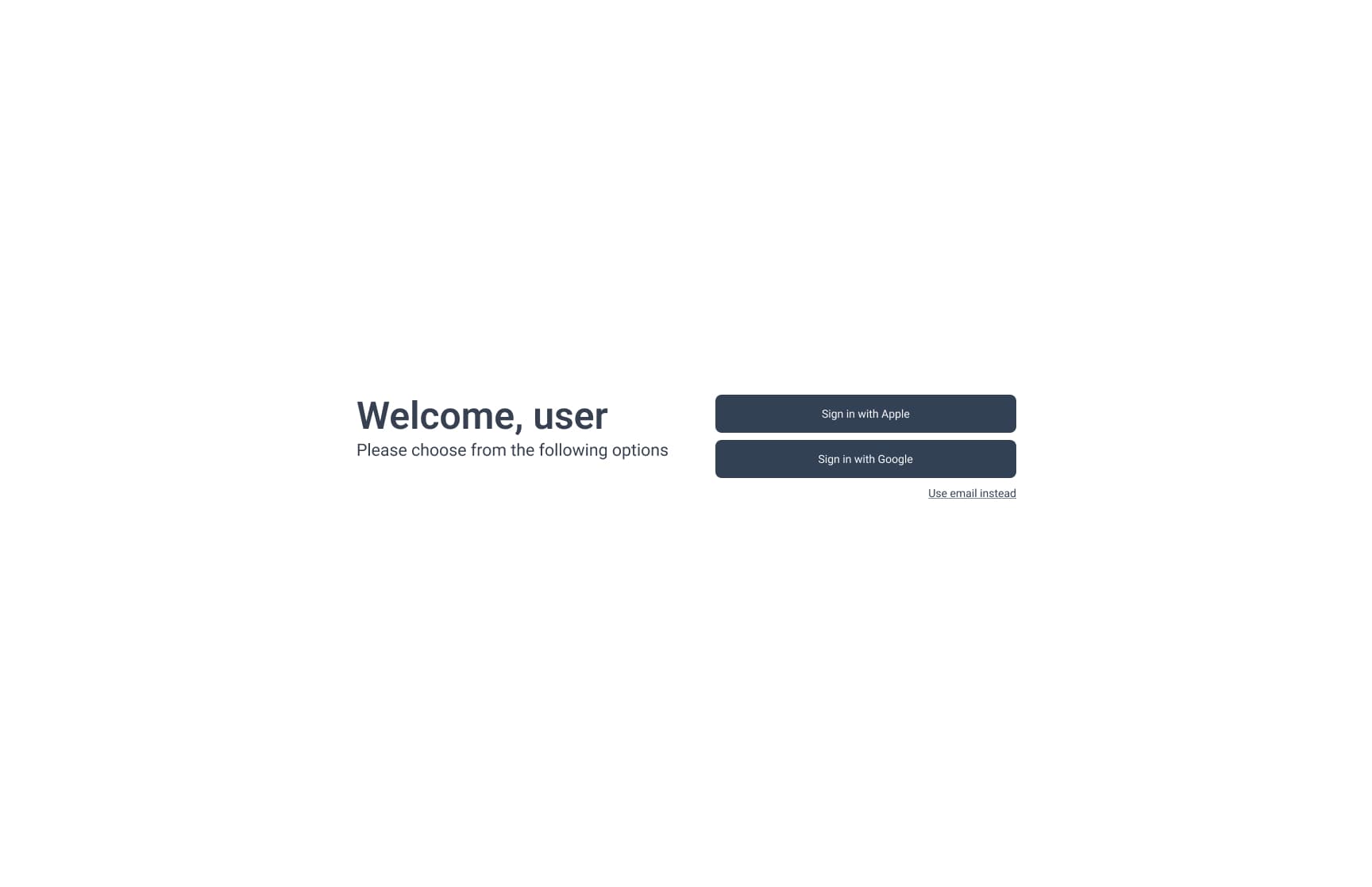
DESKTOP WIREFRAMES
Welcome Screen
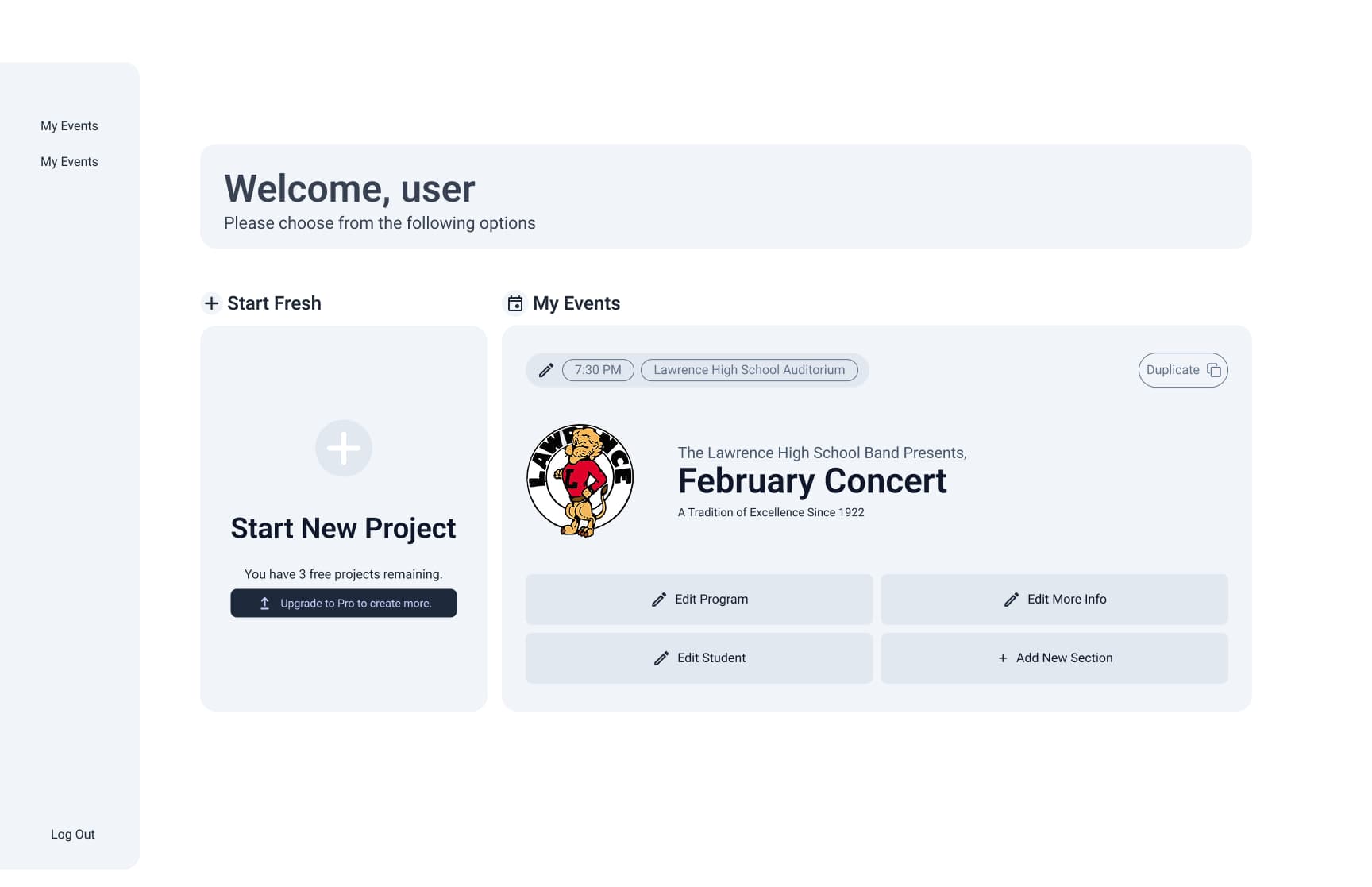
DESKTOP WIREFRAMES
Main Dashboard
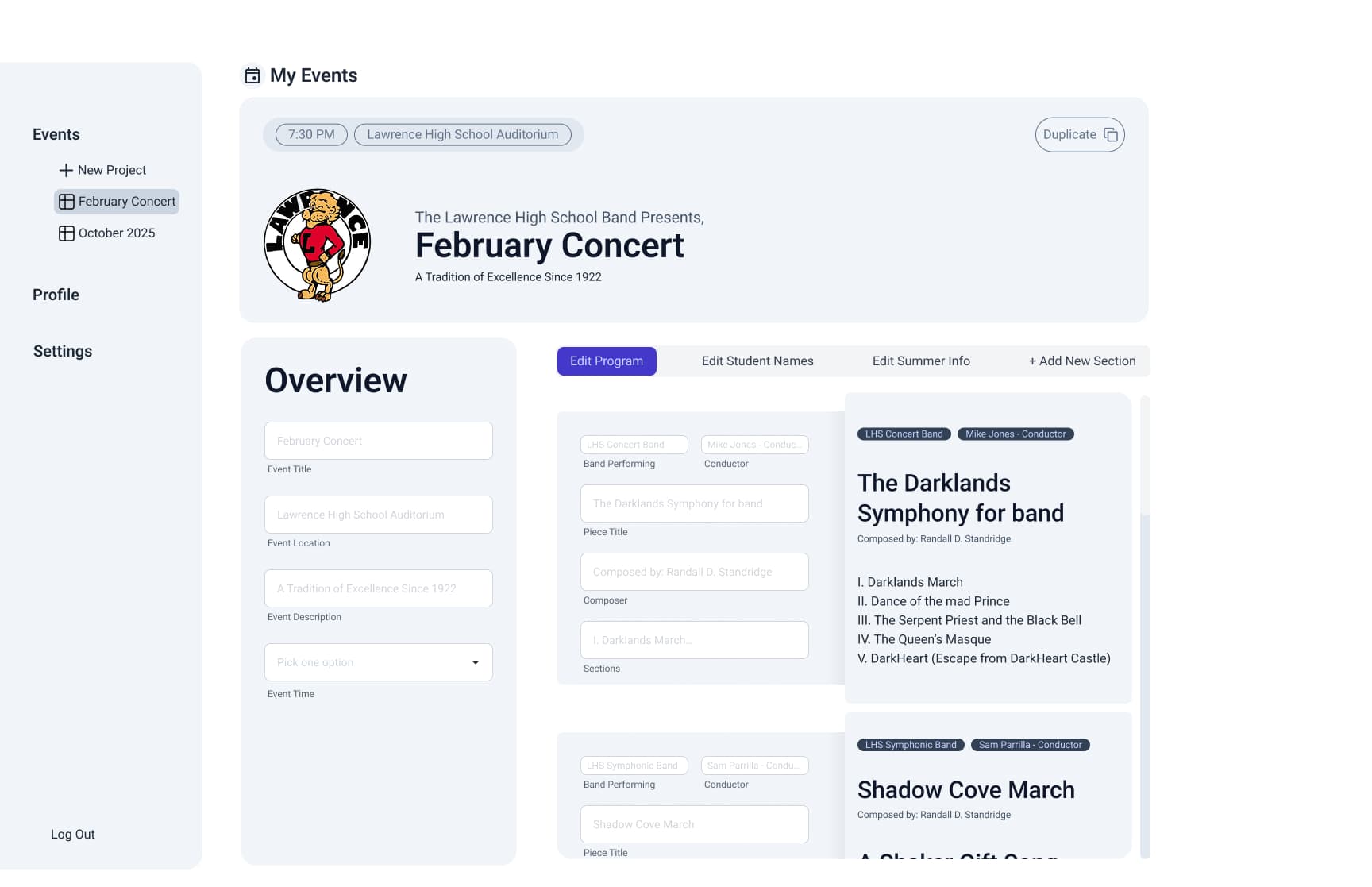
DESKTOP WIREFRAMES
Edit Program
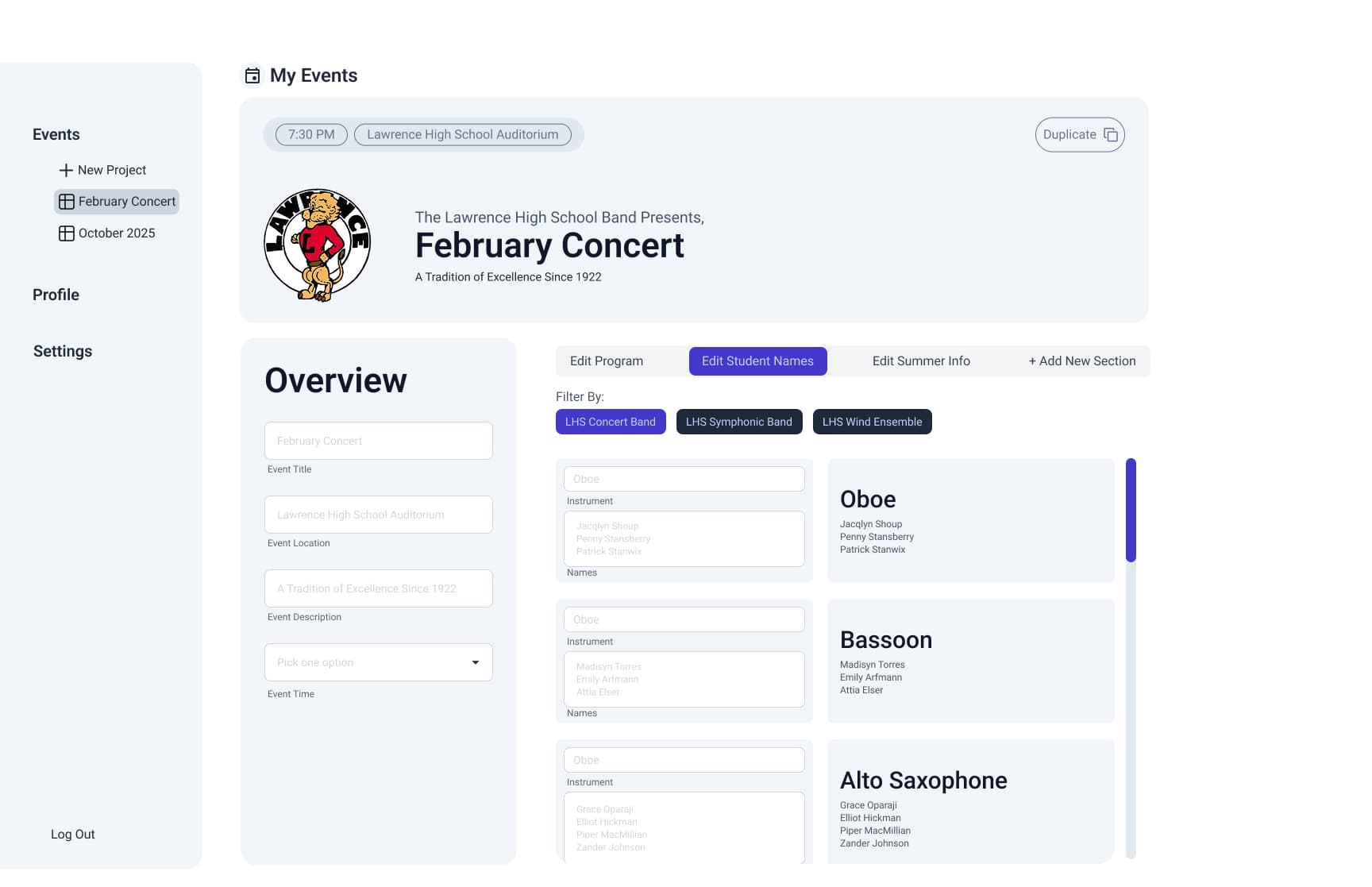
DESKTOP WIREFRAMES
Edit Student Names
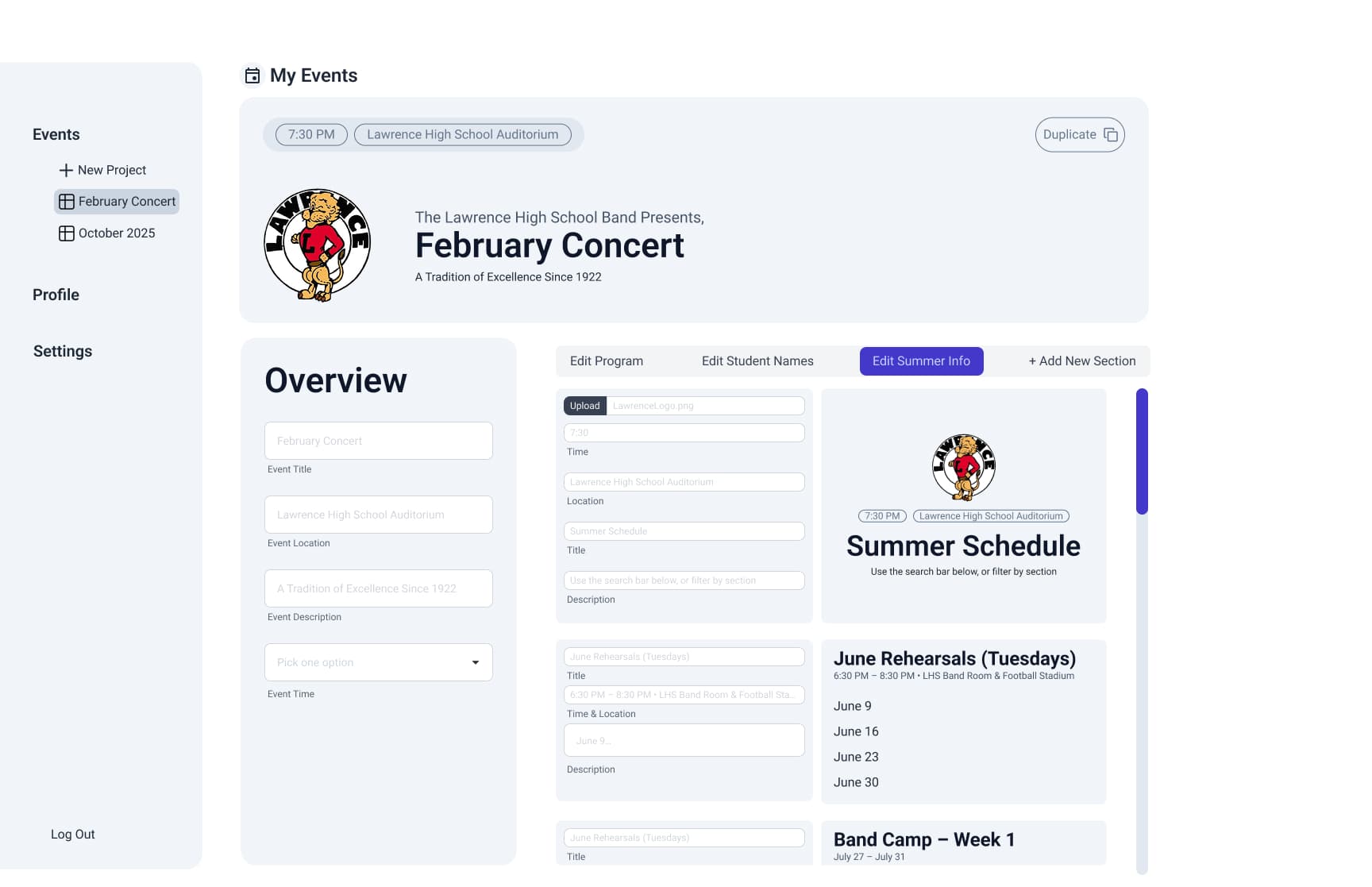
DESKTOP WIREFRAMES
Edit Summer Info
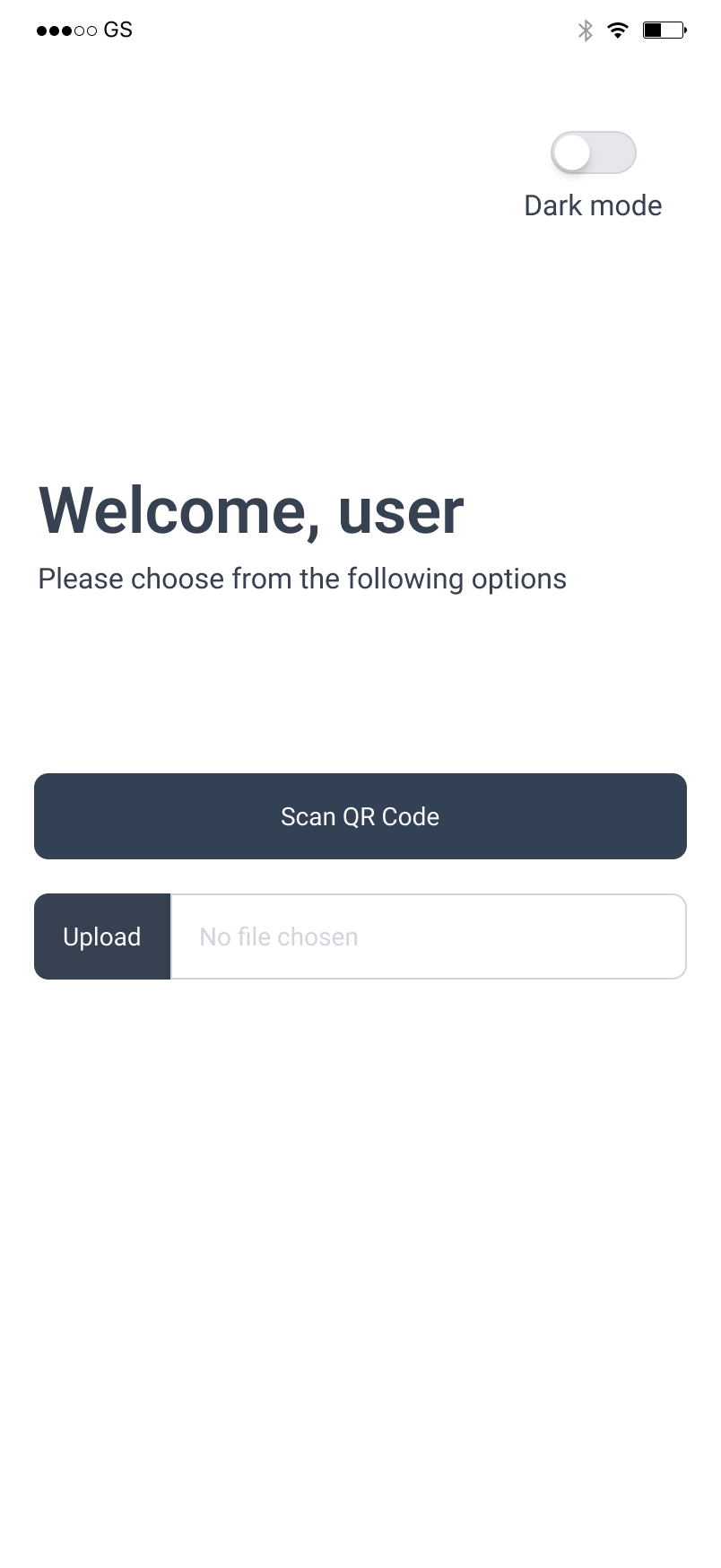
MOBILE WIREFRAMES
Welcome Screen
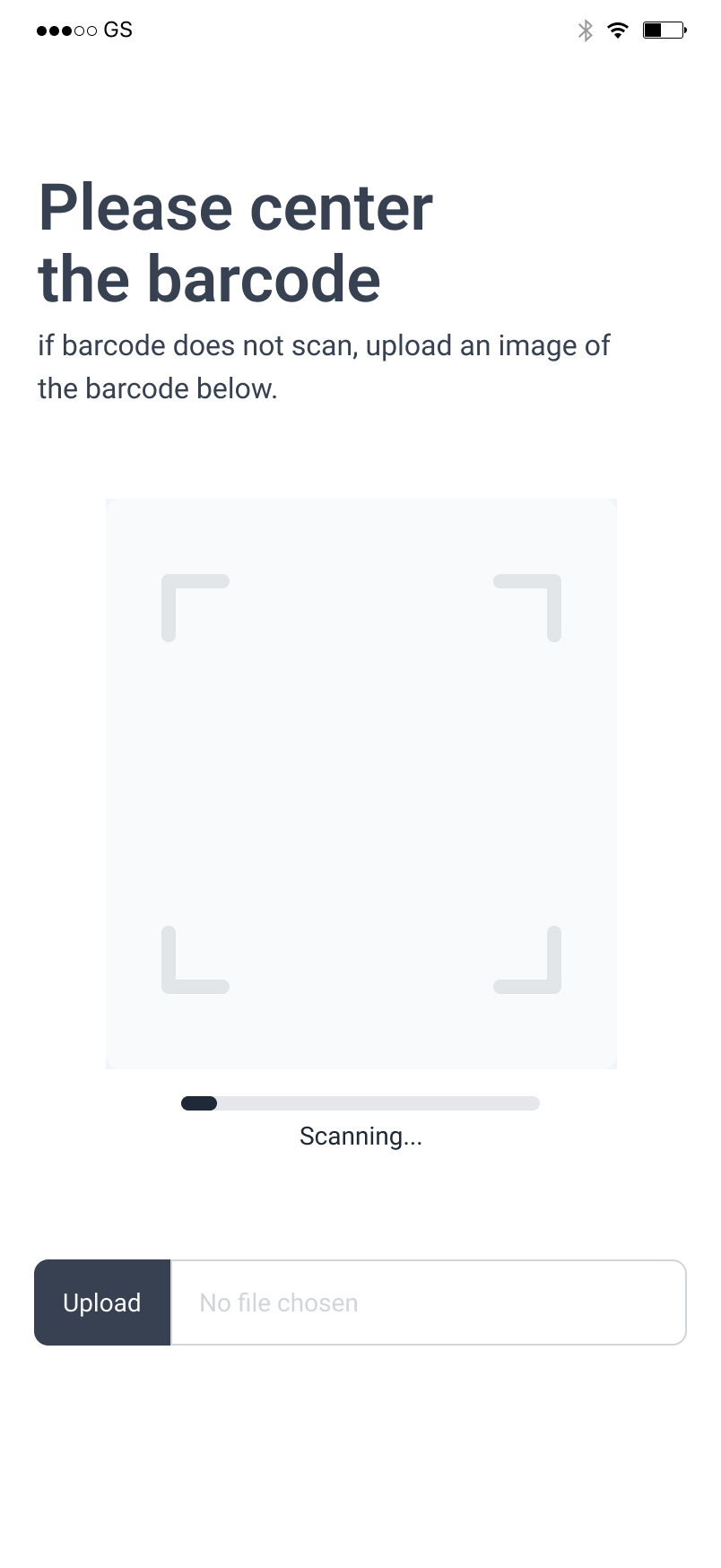
MOBILE WIREFRAMES
Scan Barcode
- Use camera
- Upload photo of QR code
MOBILE WIREFRAMES
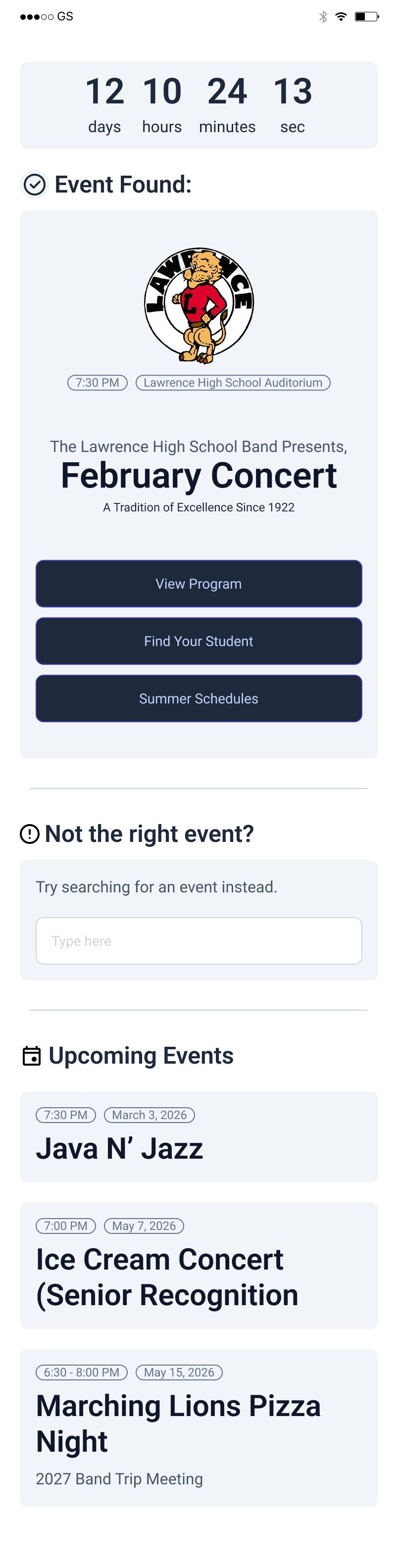
Event Found
- View Program
- Find your student
- Summer Schedules
- Search for alternative event
- Upcoming events

MOBILE WIREFRAMES
Program
- Find your student
- Summer schedules
- Songs, conductor, band playing
MOBILE WIREFRAMES
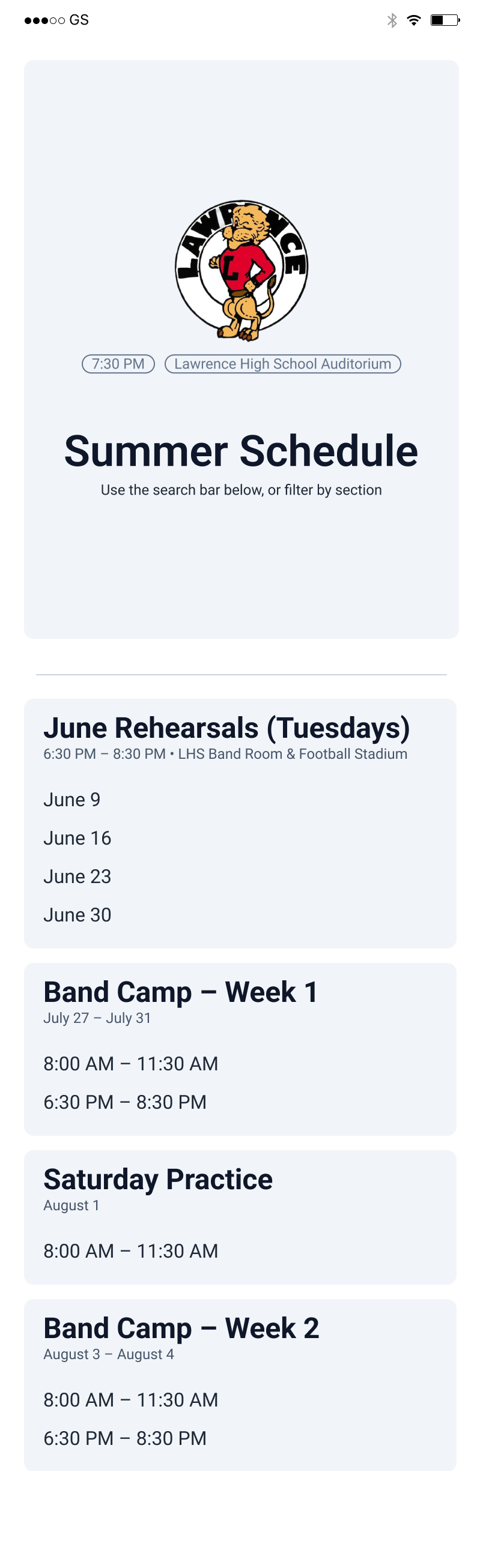
Summer Schedule

MOBILE WIREFRAMES
Find Your Student
- Search Function
- Filter by bands and ensembles
- Scroll feature with regular list
Design process
Mobile Wireframe Prototype
Explore the full interactive mobile prototype for the Band Program Application, designed for students and members to access schedules, rosters, and more on the go.
Design process
Desktop Wireframe Prototype
Explore the full interactive desktop prototype for the Band Program Application, built to demonstrate the core workflow for directors managing their program.
Design Process
Guerrilla User Testing
Quick, in-the-wild testing with real users to validate usability, identify friction, and refine core flows.
Sam
Office Employee
Creating a new program
10/10Finding / editing existing program
10/10Understanding mobile preview
10/10Stephanie
Manager
Creating a new program
8/10Finding / editing existing program
9/10Understanding mobile preview
9/10Jamal
Office Employee
Creating a new program
9/10Finding / editing existing program
10/10Understanding mobile preview
8/10Tim Hossler
Creating a new program
10/10Finding / editing existing program
9/10Understanding mobile preview
N/AKey Insights
Bottom section of interface caused confusion for one user
Mobile preview was overlooked by at least one user — low visual priority
Users expect ability to attach external links within programs
Design Takeaways
Increase visibility of mobile preview
Improve hierarchy of lower screen elements
Introduce external link support for flexibility