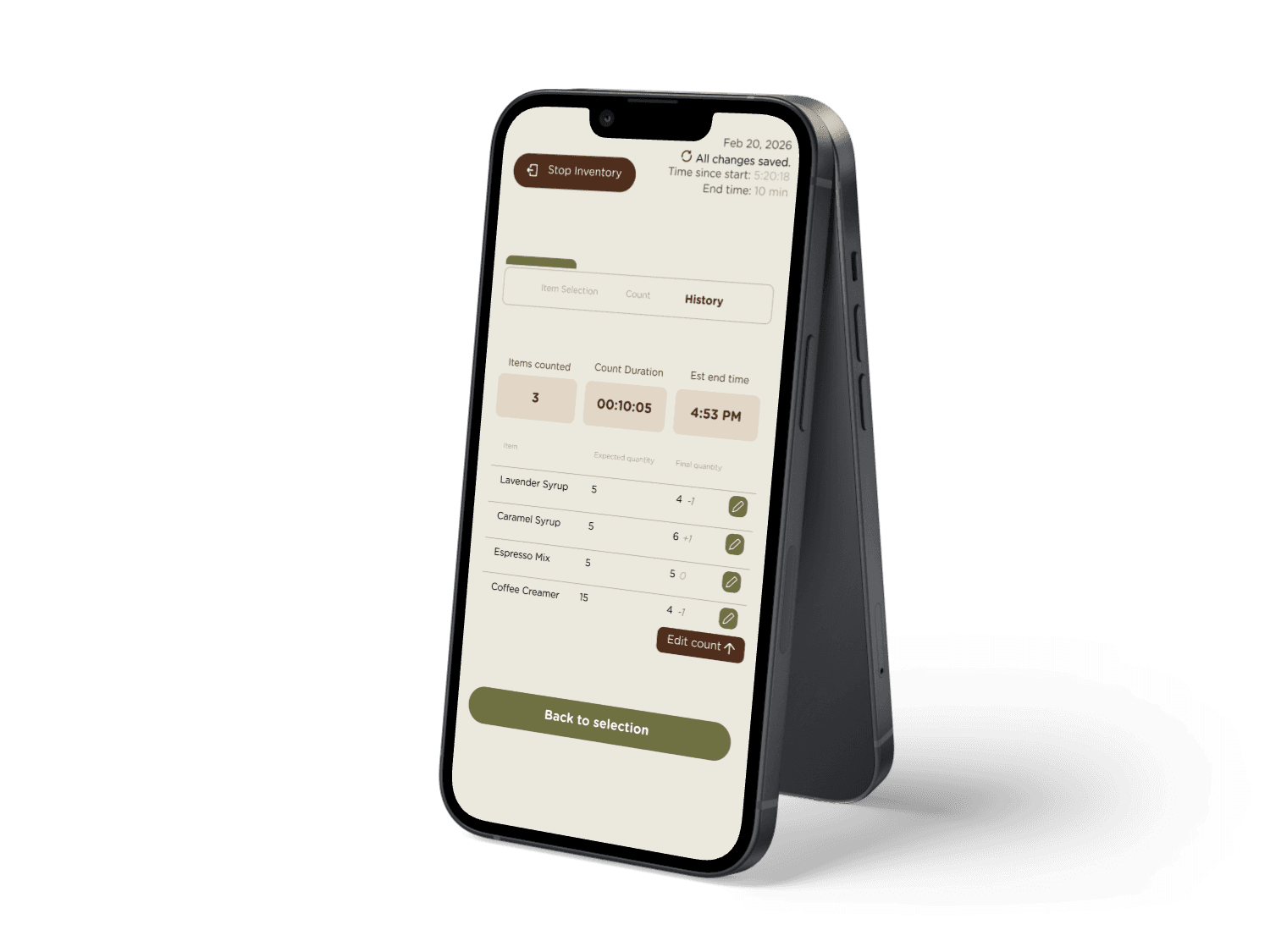
Fearless Inventory app on iPhone

Research, User Testing and Implementation

Inventory System

This project focuses on designing a digital inventory tool that helps warehouse workers quickly compare what the system says they should have with what's actually sitting on the shelf. The goal is to make the inventory process faster, reduce mistakes, and create a clear workflow for recording counts and updating product inventory for the coffee warehouse.

Research

User Testing

Figma
Jump to final prototype

1

Track Data

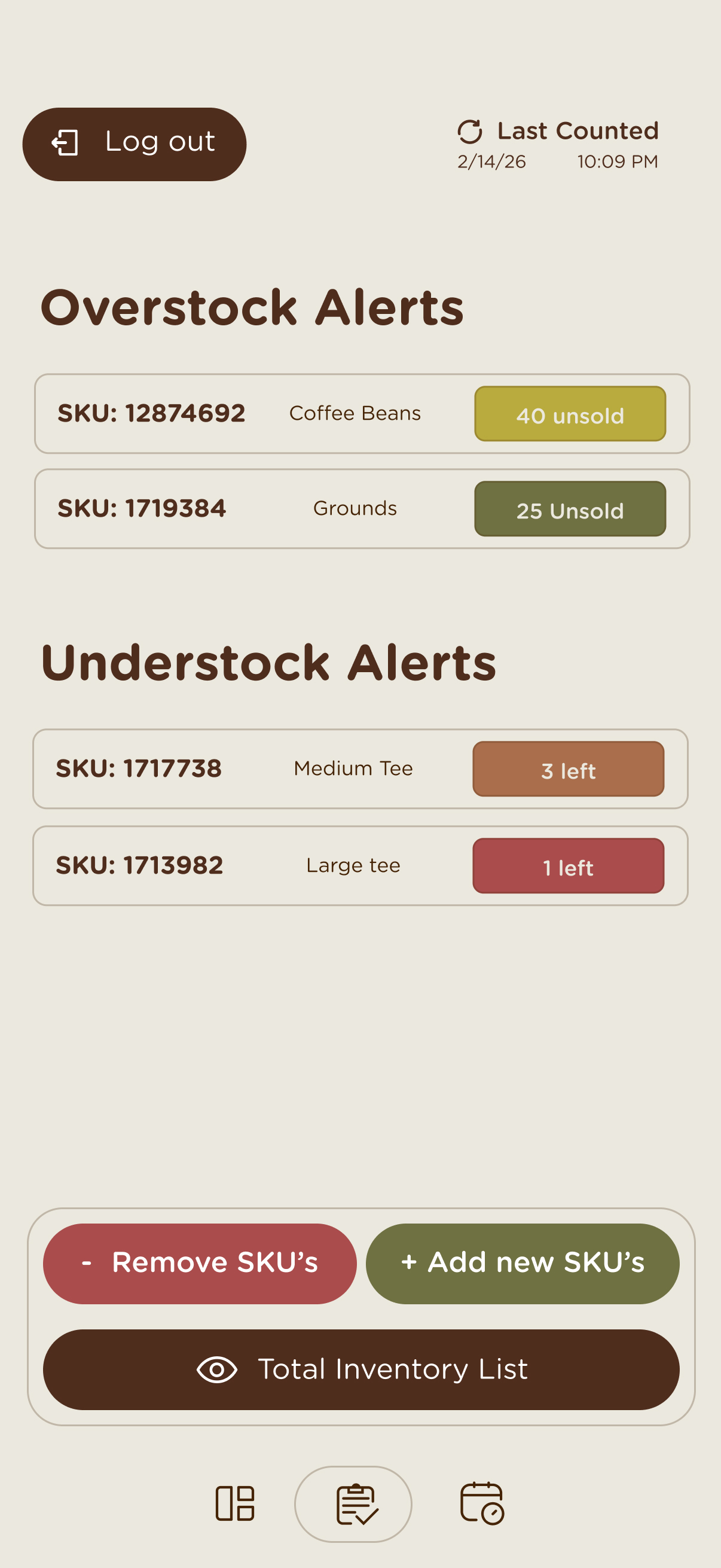
Get notified when certain items are overstocked or understocked.

2

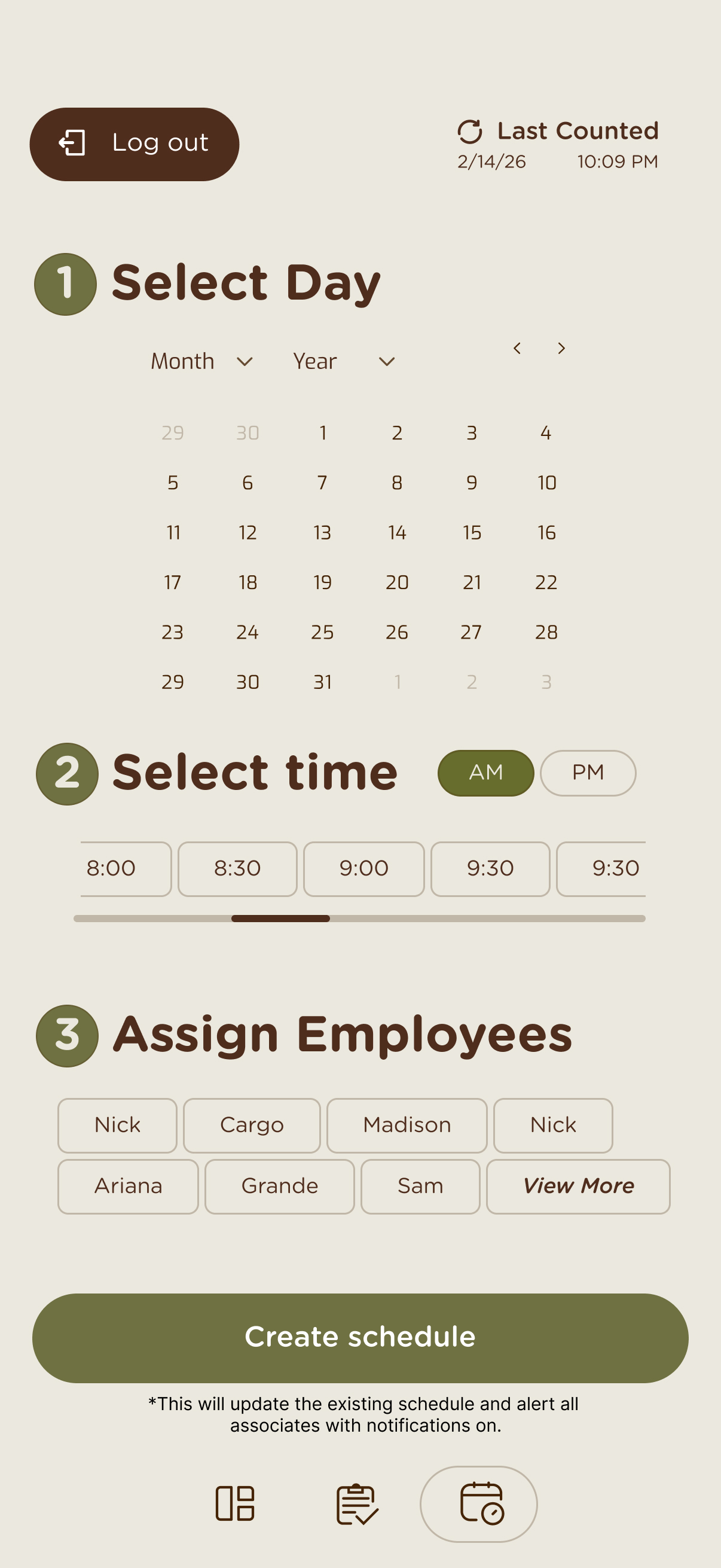
Schedule Inventory

Intuitively make new schedules for inventories.

3

Visualize Data

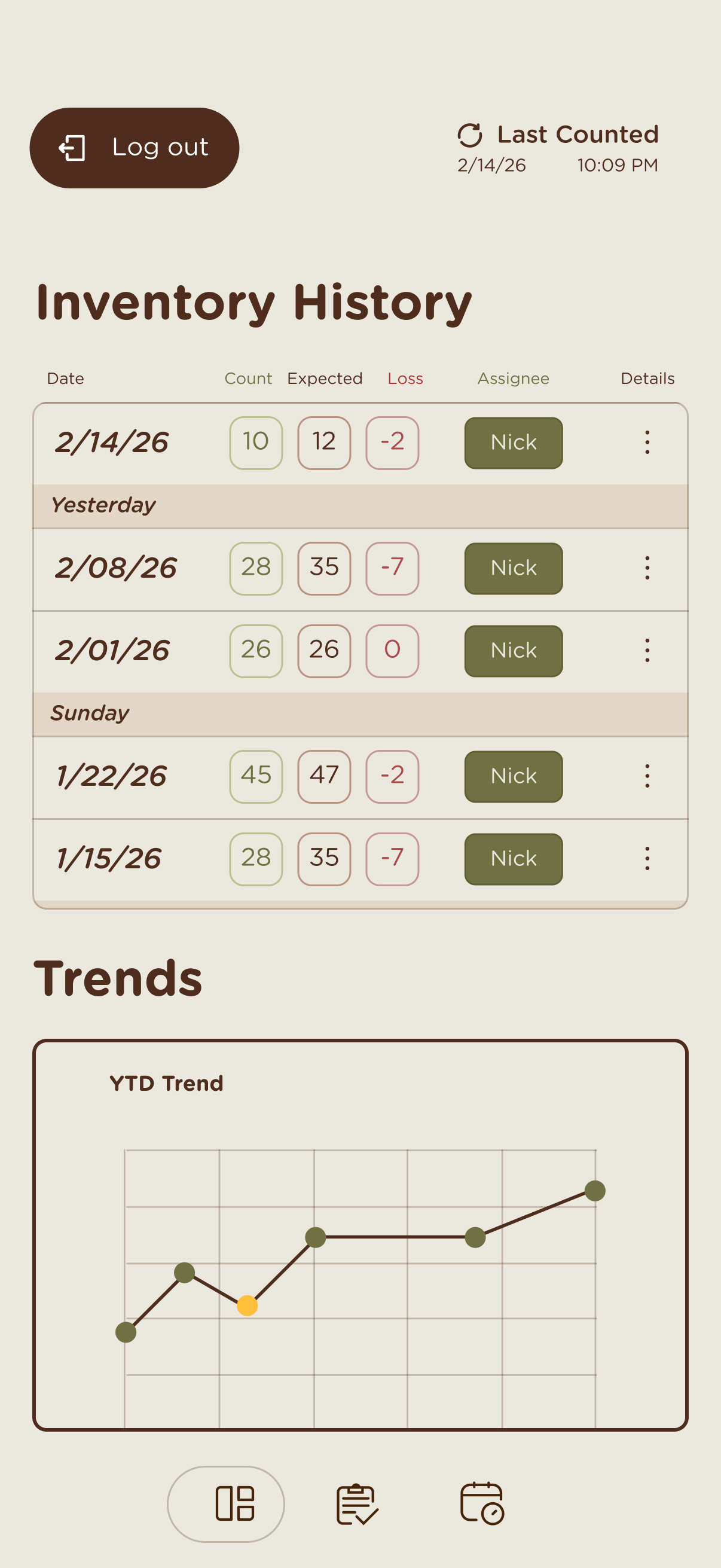
See previous inventories and overall product counts.

Item Selection screen
Item Selection screen 2
Item Selection screen 3

Overview

This project focuses on designing a digital inventory tool that helps warehouse workers quickly compare what the system says they should have with what’s actually sitting on the shelf. The goal is to make the inventory process faster, reduce mistakes, and create a clear workflow for recording counts and updating product inventory for the coffee warehouse.

The design process involved conducting user research, building wireframe prototypes, running guerrilla usability tests, and iterating based on feedback. Two brand systems — Black Rock Coffee and Philz Coffee — were audited and applied to simulate real-world client brand changes throughout the project.

AUDIT AND BRAND RESEARCH

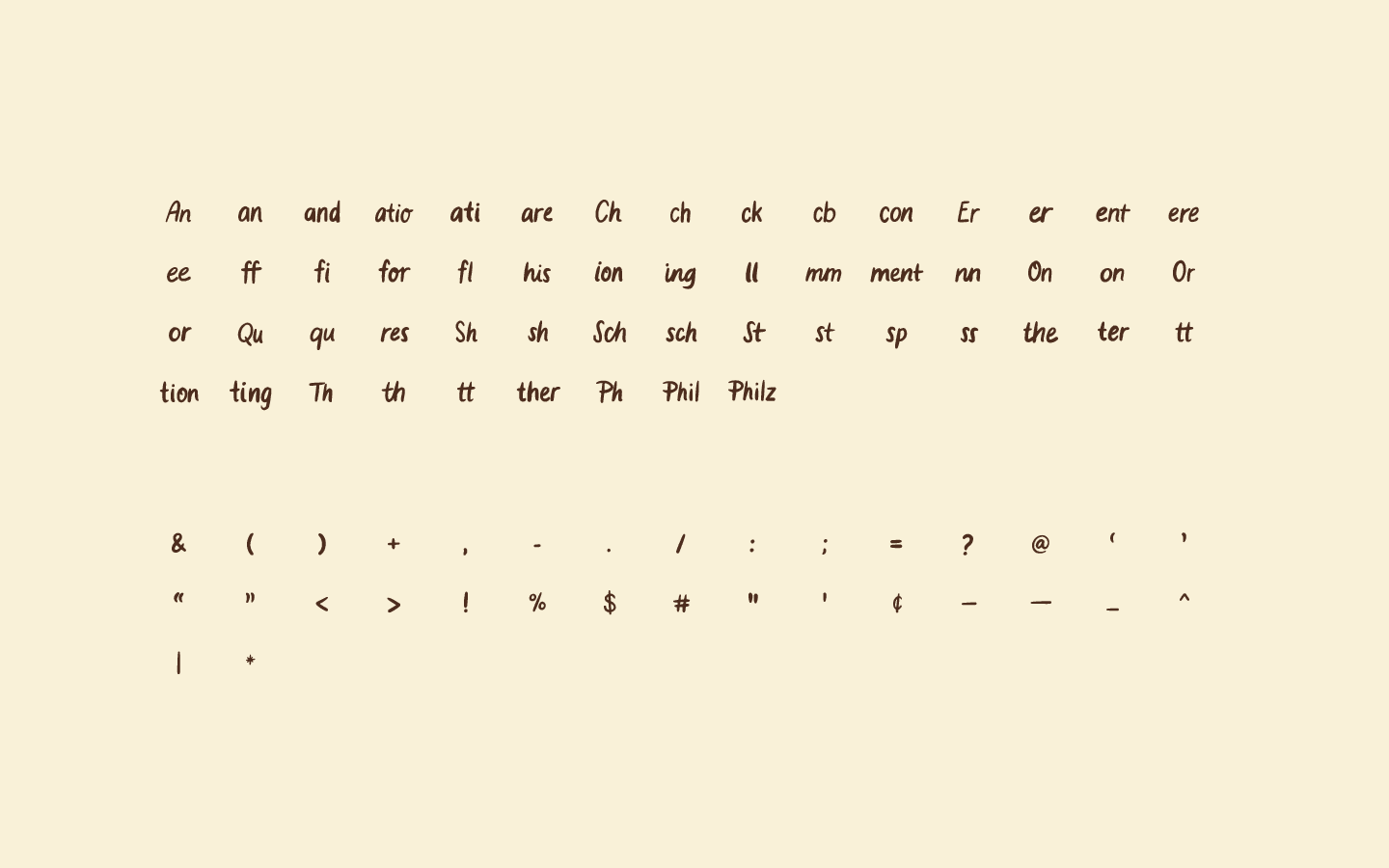
Branding System

·Extracted from webpage using plugin html.to.design
·Couldn't find the following:
·Accordions, Expand/Collapse sections, Avatars, Chat bubbles / messaging UI, Modal dialog windows, Pagination controls

Note: First brand given was Black Rock Coffee. The example 'client' changed during the project, simulating real life brand change or project switch.

Barista
Coffee bag
Website screenshot
Website screenshot
Website screenshot
App screenshot
App screenshot
Website screenshot
Website screenshot
Website screenshot
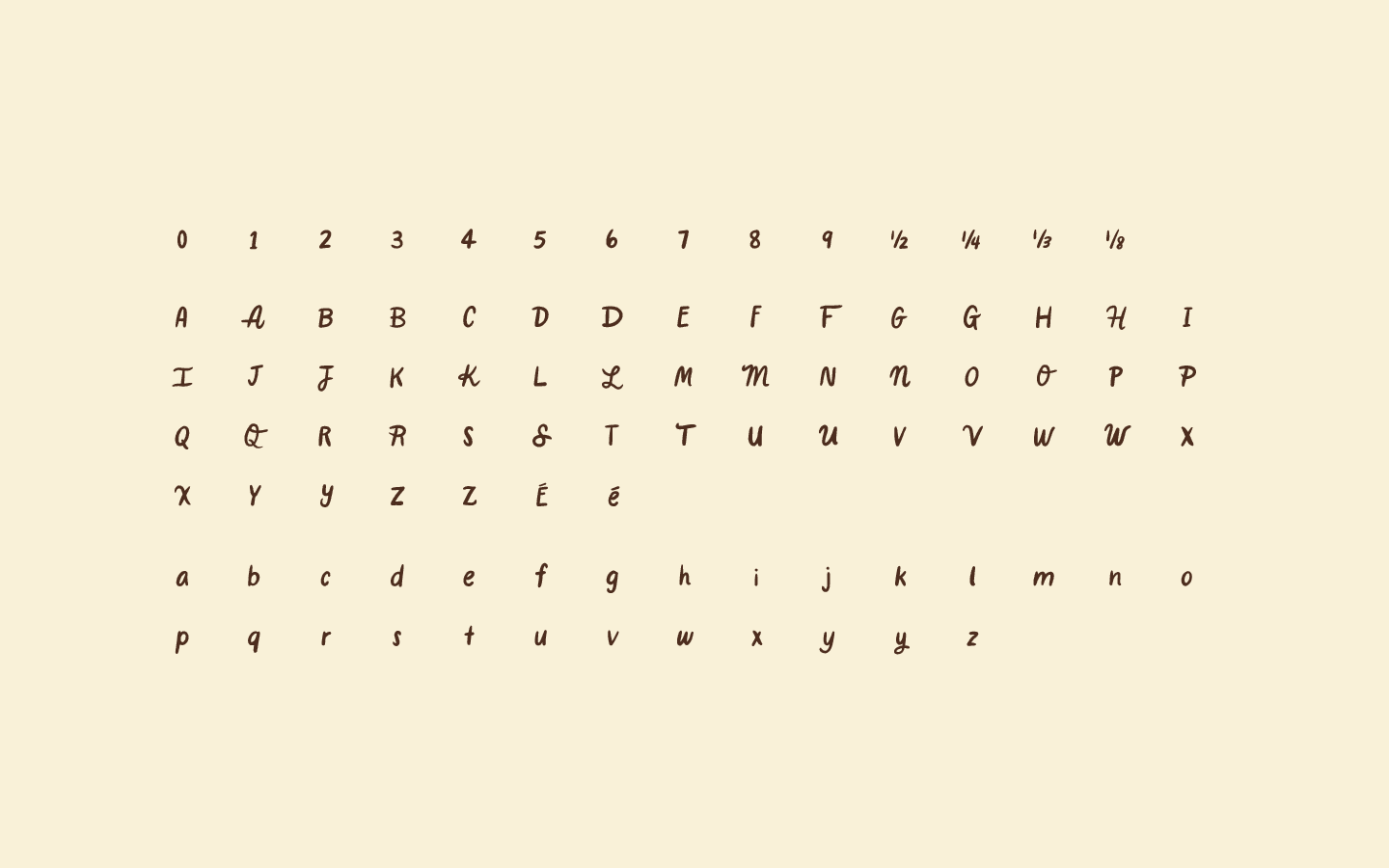
Brand identity
Brand identity
Brand identity

User Story

As an Ops Manager

  1. As a manager, I want to log into the system, so that I can access our secret company info.
    1. And log out
  2. As a manager, I want to reset my password so I don't have to remember it forever.
  3. As a manager, I want to know exactly what number of products I have, so that I can compare with my POS, and avoid running out of items.
  4. As a manager, I want to know WHEN the count was performed, so i know i'm working with recent data
  5. As a manager, I want a history of who performed the inventory count, so that I can hold employees accountable.
  6. As a manager, I want to view a history of inventories so that I can see trends/averages on how fast we use up product
  7. As a manager, I want to be alerted / know when a product is over/understocked, so I know when to put in a new order.
  8. As a manager, I want to schedule Inventory so my fulfillment team knows when to do it
  9. As a manager, I want to know how long it took to count inventory, so that I can track efficiency / schedule it appropriately
  10. As a manager, I want to view a history of inventories so that I can spot trouble spots or patterns of missing / discrepancy product
  11. As a manager, I want a system/app that can be learned quickly, so that it doesn't take me long to show the employees how to use it.
  12. As a manager, I want to add or remove SKUs, so the list of products can change as we grow.

User Story

As Fufillment

  1. As fulfillment, I want to log into the system, so that I can access our secret company info.
    1. And log out
  2. As fulfillment, I want to be able to enter the actual count of products, so we have an accurate picture of our inventory.
  3. As fulfillment, I want to count ALL OF OUR PRODUCTS at once because that's what 'doing inventory' means, and so we have an accurate picture of our inventory.
  4. As fulfillment, I want to keep track of what I have counted SO FAR so that I don't have to repeat my work.
  5. As fulfillment, I want to change my inventory during the process, so that I can fix my mistakes
  6. As fulfillment, I want my inventory to be associated with TODAY so I don't have to enter a date.
  7. As fulfillment, I want to track starting and stopping this task so my manager knows how i spend my time
  8. As fulfillment, I want to know when it's time to do Inventory so that my Ops manager is happy
  9. As fulfillment, I want to do the inventory quickly so i don't waste my life on this
  10. As fulfillment, I want to know how much time I'm expected to spend on this so that i can plan appropriately and/or plan some time to scroll my phone
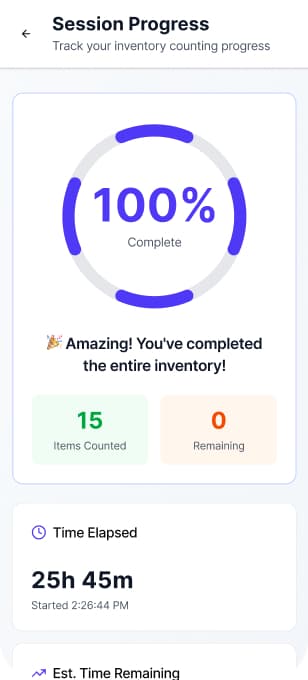
  11. As fulfillment, I want to have some sense of progress so I do not despair about this tedious task and stay motivated to complete it.
  12. As fulfillment, I want to save my work midway through so I don't lose progress if I'm interrupted or take a break.

AI Research

Figma Make Design

View in Figma
Inventory Management Prototype
Inventory Management Prototype 1
Inventory Management Prototype 2
Inventory Management Prototype 3
Inventory Management Prototype 4
Inventory Management Prototype 5

AI SLOP

Strong Design Insight

Areas for Improvement

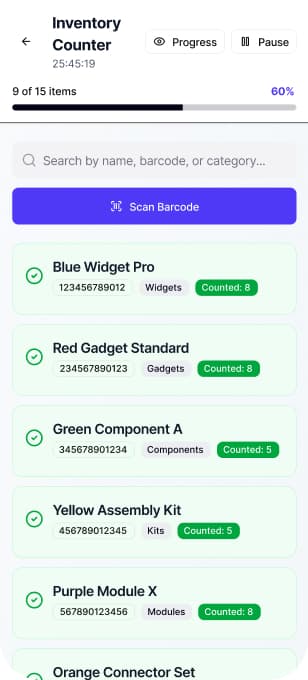
Clear progress indicators and completion states help users track counting progress, reducing uncertainty during repetitive warehouse tasks.

The home screen contains many informational cards, which may distract users who simply need to start counting quickly.

Greyed-out counted items visually separate completed and remaining tasks, preventing duplicate counting and lowering cognitive load.

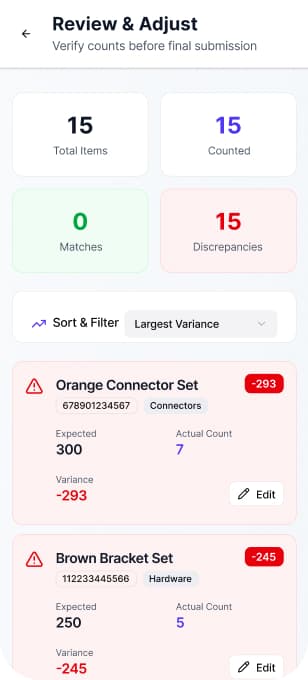
Variance numbers lack explanation, making it unclear whether discrepancies indicate missing items, overcounts, or system errors.

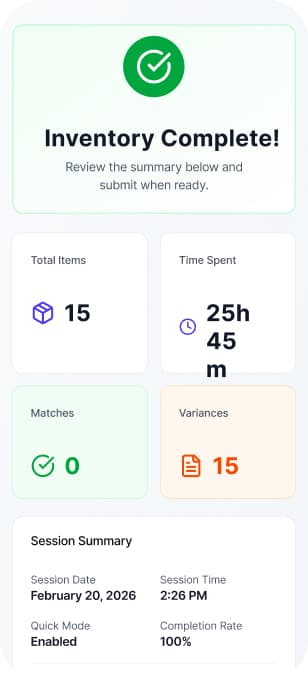
The workflow mirrors real inventory processes count, review discrepancies, and submit making the system intuitive with minimal training.

Barcode scanning appears visually secondary, even though scanning is likely the fastest and most common inventory interaction.

Wireframe
prototypes

Purpose

Wireframe prototypes allow me to test workflows, structure, and interactions early. This helps identify usability issues before visual design begins.

Wireframes

Fulfillment Prototype 1

Early stages of finding solutions for how this interface should work and feel to the user. I was more focused on functional design rather than aesthetic design.

View in Figma

Wireframes

Fulfillment Prototype 2

During the second phase, I refined the design style to be easy to interpret for user testing. Making the design more modern and aesthetic while still being a wireframe in mostly black and white, helps users navigate through a more realistic experience, further improving usability results.

View in Figma

User Testing

Guerrilla Rapid Testing

User Testing

Morgan

  • ·Really liked the user flow and how each screen reacted to another.
  • ·Breadcrumbs worked well for organization of pages.
  • ·Buttons placement being in bottom right corner felt intuitive and in reach for user.
  • ·User wanted some more visibility or touchpoints

Maya

  • ·Introduce more color throughout the flow to indicate different user options and paths.
  • ·Color code with the brand and physcology.

Ren

  • ·Fix the number input prototype issue
  • ·Simplicity was well received

Lily

  • ·Legible and list view works very well.
  • ·Make the list scrollable.
  • ·Make the flow allow for other selections and changes.

Gracie

  • ·Intuitive filter system worked well and was taken advantages of.
  • ·Add more color

AUDIT AND BRAND RESEARCH

Branding System

·Received a new company and new brand system
·Updated components and parts to reflect the new brand accurately.

Note: The second brand given was Philz Coffee. The example 'client' changed during the project, simulating real life brand change or project switch.

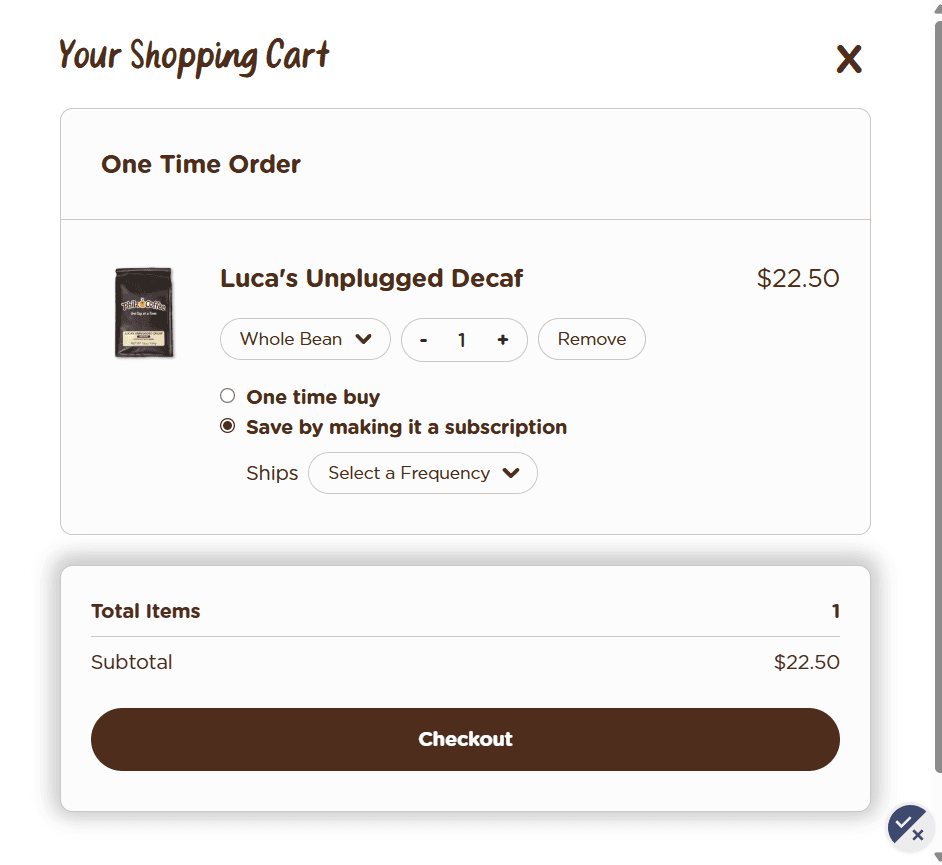
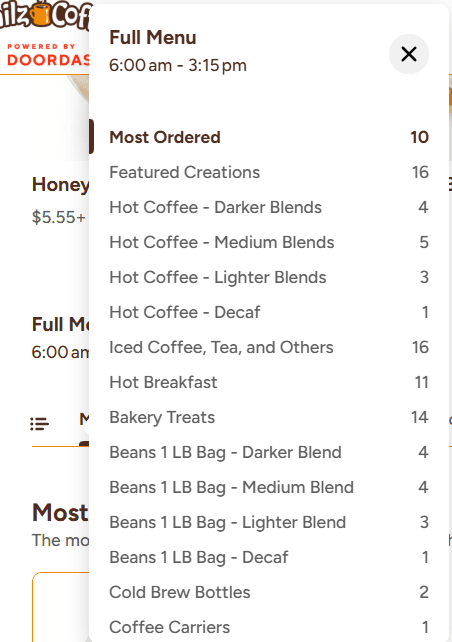
Philz Coffee brand
Philz Coffee brand
Philz Coffee brand
Philz Coffee brand
Philz Coffee brand
Philz Coffee brand
Philz Coffee brand
Philz Coffee brand

Philz Coffee Final

Fulfillment Prototype

This prototype showcases the entire flow for the fulfillment portion. All branding from Philz Coffee.

View in Figma

Philz Coffee Final

Management Prototype

This prototype showcases the entire flow for the management portion. Add SKU's, visualize inventory easily, and get alerted when items are understocked or overstocked.

View in Figma

The Fearless Inventory.

Select Items screen

Final Prototype

Select Items

This prototype showcases the entire flow for the management portion. Add SKU's, visualize inventory easily, and get alerted when items are understocked or overstocked.

Final Prototype

AI Scan or Submit

This prototype also implements new features that are powered by AI. AI Integration is crucial for faster inventory counts and less human input.

AI Scan number pad screen

Final Prototype

Editable History

Being able to access and visualize what users have already counted. And when errors occur, all counts are able to be changed.

Editable History iPhone